A line from your favorite book…A thought you want to share…Anything that sounds like you. +
A little inspiration.
Paste a passage, add a screenshot, or point your camera. Start with something you actually want to say.
 shadowy.Try a little shadowing
 Shadowy is a language shadowing app that turns anything you read into something you can say. Listen, repeat, and find your rhythm—with a friendly little shadow by your side.
Your curiosity is the curriculum.
 you’ve got this!
A world of words.
One little companion.
Shadowing is simple: listen to a sentence, then say it back.
Shadowy gives your everyday words a place to practice.
Paste a passage, add a screenshot, or point your camera. Start with something you actually want to say.
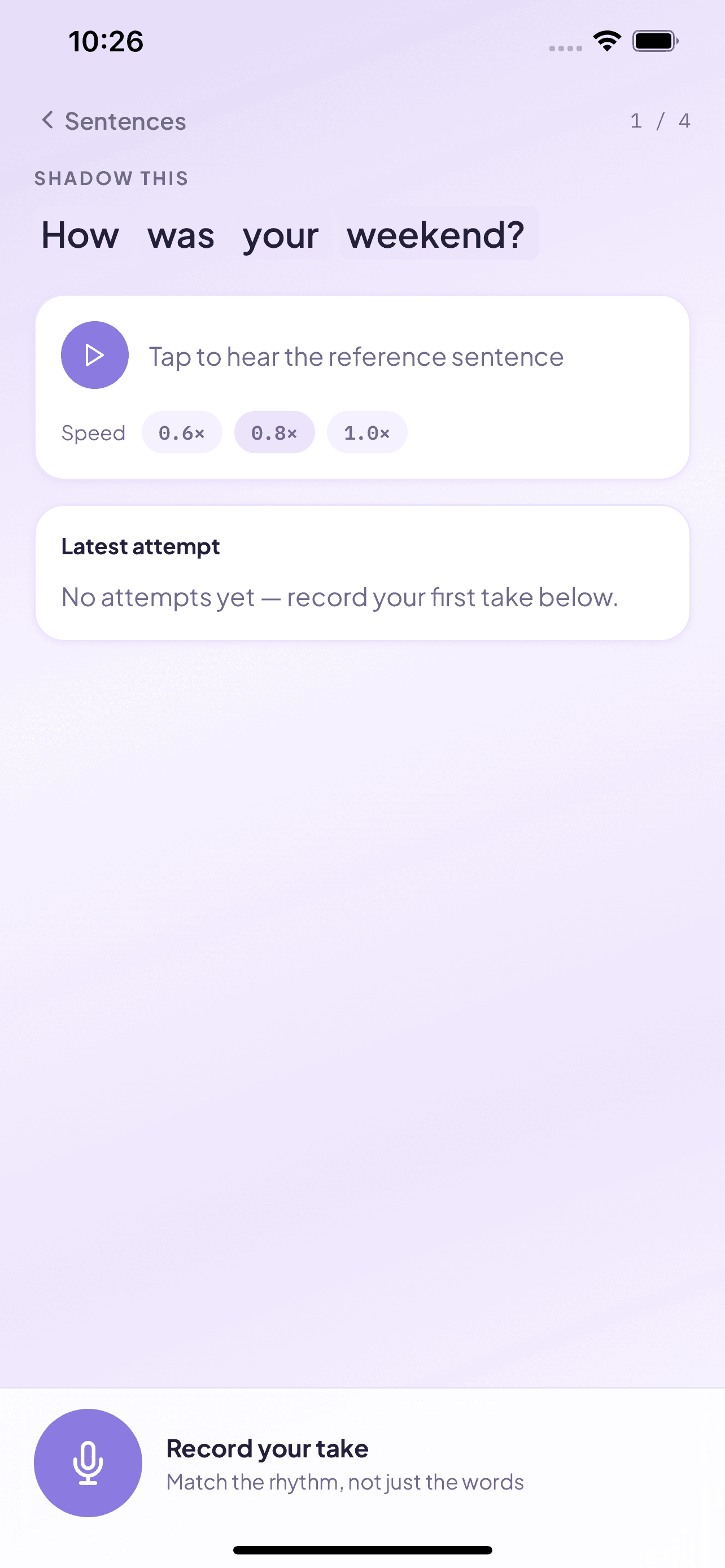
Hear each sentence, slow it down, and repeat it out loud. Take your time with the sounds that feel new.
Listen back to your voice, revisit your recordings, and build a practice that feels like your own.
No perfect accent required. Pick a sentence, listen,
and give it a go. This moment is yours.
There’s a whole world waiting to hear you.
A little courage goes a long way.
Listen first, then repeat out loud.
A listen-along preview · Audio uses your browser’s available voices.
Shadowing is a speaking practice technique: you listen to a sentence and repeat it out loud right after, copying its rhythm, intonation, and pronunciation. Doing it a little every day trains your ear and your mouth together.
Shadowy supports English (US and UK), Spanish, French, Japanese, and Korean, and you can choose from several natural-sounding reference voices.
Yes. Paste a passage, choose a screenshot from your photo library, or take a photo of printed text. Text recognition runs on your device, and Shadowy splits the text into sentences you can listen to and repeat.
No. Shadowy works without an email address or password. To create reference audio, the sentences you practice (text only) are sent to our server. Your recordings, images, and practice history stay on your device.
Shadowy sends each sentence to ElevenLabs, a text-to-speech service, to create natural-sounding reference audio in the voice you choose. The audio is downloaded to your device so you can practice offline. If audio can’t be created, for example when you’re offline, Shadowy uses your device’s built-in speech voice instead.
Yes, with Shadowy Pro in the iPhone app. Each take gets an overall score plus accuracy, fluency, completeness, and word-by-word feedback (and prosody for English), from Microsoft Azure AI Speech. Without Pro, you can slow the reference voice down, record your take, and replay both to compare them yourself.
Shadowy is available for iPhone and iPad.
 LESS LIKE A LESSON. MORE LIKE LIFE.
A favorite story. Your next adventure. A conversation you’ve been imagining.
Bring a little of your world. Find a little more of your voice.